
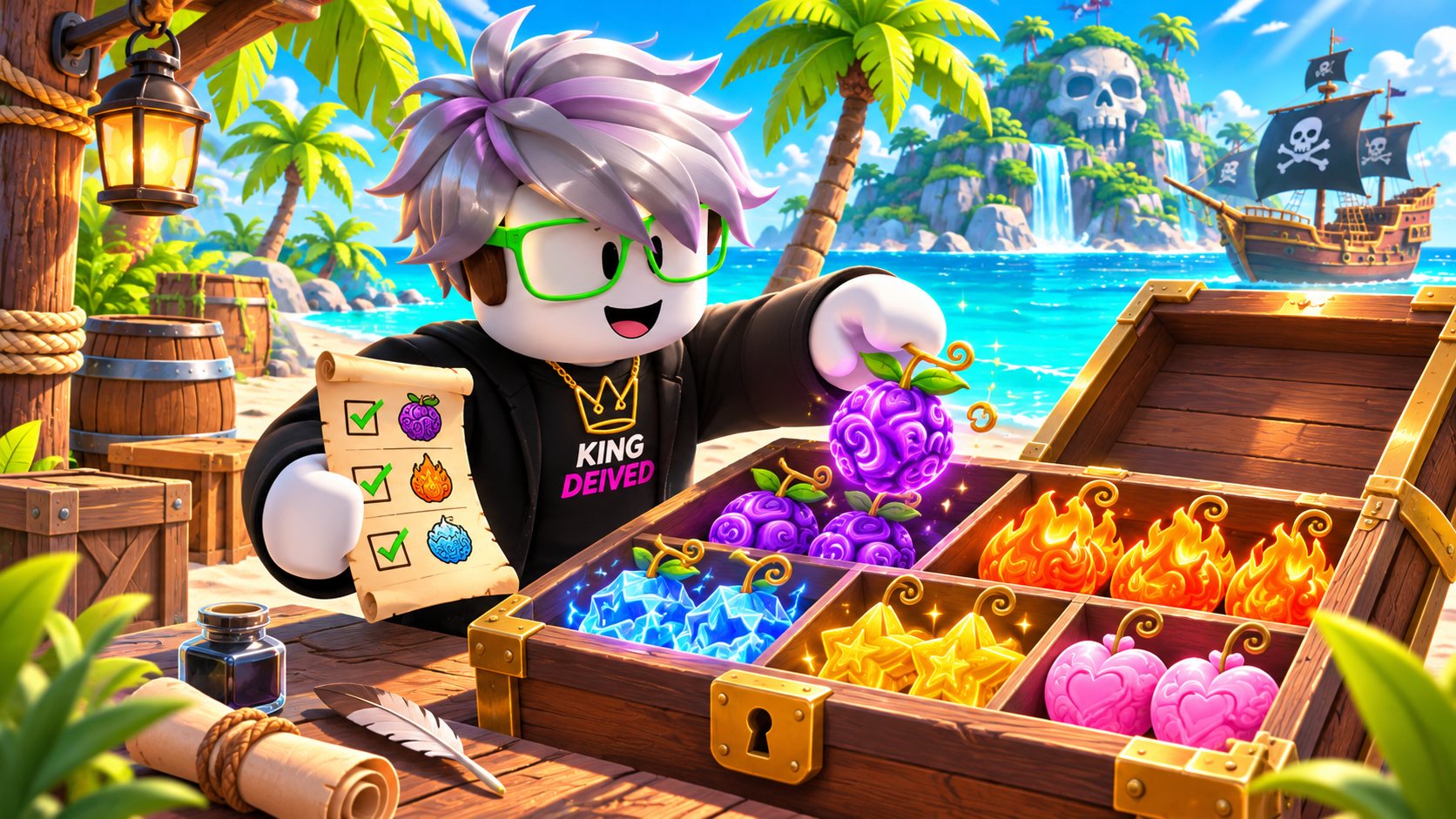
Two identical fruit icons do not always mean two copies are available. One might be equipped, reserved for a goal, or already traded away. Start with a small inventory check.
Count what is really stored
The wiki describes one stored copy per fruit by default, with additional capacity from Fruit Storage. Verify your current capacity in game before agreeing to receive duplicates. Do not assume the other player has room for everything either.
Make three simple groups
Mark items Keep, Available and Unsure. Keep is for your next progression goal. Available is your trade budget. Unsure means you need to check the item or its value. This is an editorial planning method, not a game feature.
Record the version and quantity
Use exact names: regular Gas is not Hellfire Gas, and a physical fruit is not a permanent gift. Example inventory: two copies of one fruit and one of another. If one copy is reserved, your available amount is one—not two. This example is not a claim about your storage capacity.
Update after every trade
A manually maintained website inventory does not read your Roblox account. Remove items you traded away and add only items you actually received. Check the in-game result before making a second offer.
Protect your next goal
Before accepting a bundle, ask what you would have left afterward. An apparently fair trade can still make your own grinding or upgrade plan harder. You can decline without needing a better counteroffer.
Common questions
Does the website connect to my Roblox inventory?
No. The current storage list is a manual planning tool, not a Roblox account connection.
Should I include my equipped fruit?
Only include an item you can actually offer through the game’s trading system. Do not treat an equipped ability as a stored fruit.
Sources and review
Original editorial guide. Community references consulted November 7, 2026; some indexed versions are several months old. Check recent changes in game. Examples and editorial advice are separate from documented rules.